Custom Command Toggle
A GNOME extension to create custom quick toggle buttons
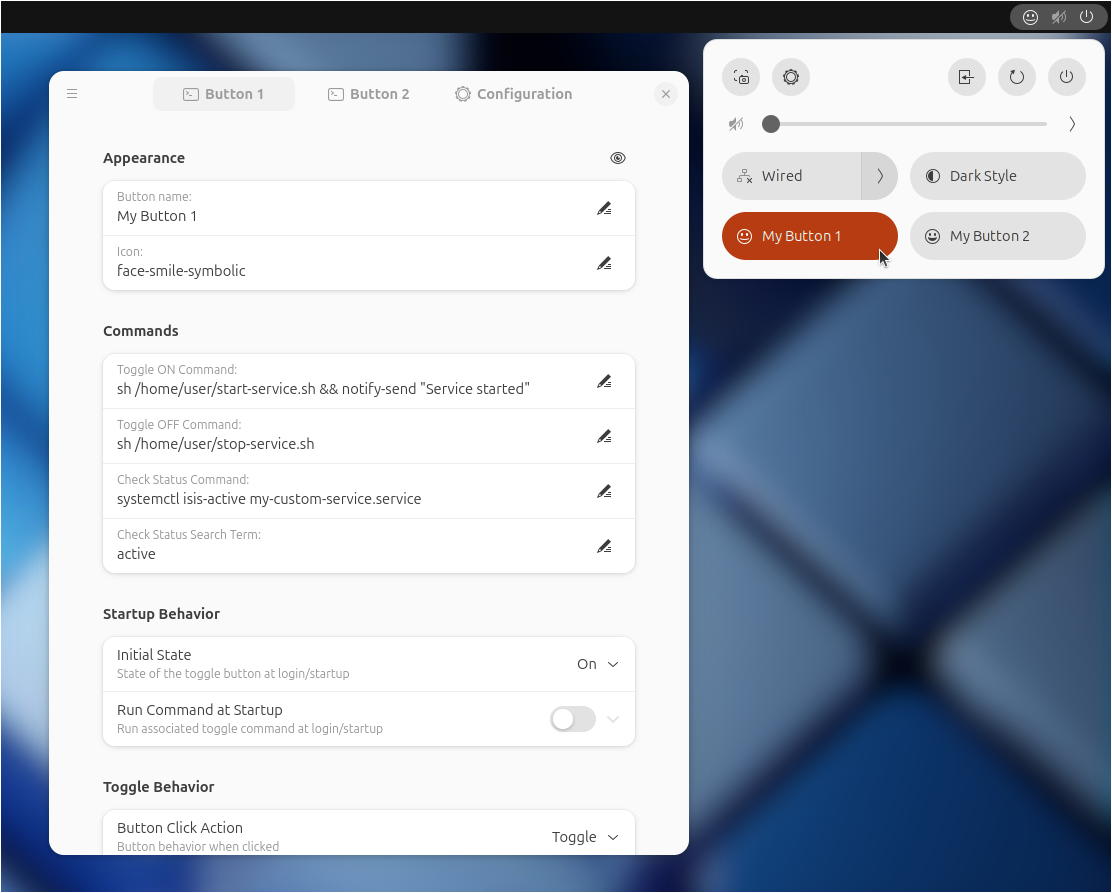
Custom Command Toggle is an extension for GNOME 45+ to create fully customizable quick toggle buttons in the top panel.
Key Features
- Run commands or launch scripts from toggle buttons
- Configure initial toggle states and startup behavior
- Create custom dropdown menus from toggle buttons
- Synchronize toggle states with a command's output
- Assign keyboard shortcuts to buttons
- Import and export button configurations
- Create up to 6 independent custom toggle buttons
Getting Started
Install through the GNOME Extensions website or the GNOME Extension Manager.
To configure the extension, open extension preferences through the extension manager or by running:
gnome-extensions prefs custom-command-toggle@storageb.github.com
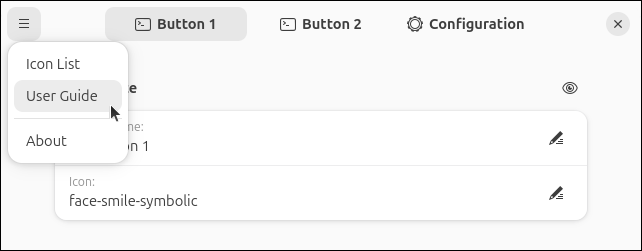
From the preferences window, use the top menu for quick access to this User Guide, the Icon List, and other useful information.
Quick links:
Installation | Configuration | Icon Reference | Troubleshooting | Change Log | About